Linux vs Windows Server: Which Is Best for Self-Hosted GPS Tracking Software?
Searching for “GPS tracking software download” sounds like a simple request until the first question appears:
What exactly are you trying to download?
A GPS tracking system might be installed on a Windows server, run on Linux, packaged in Docker containers, or operated entirely by a SaaS provider while your team only uses a browser. Even self-hosted software normally provides its day-to-day interface through a web browser.
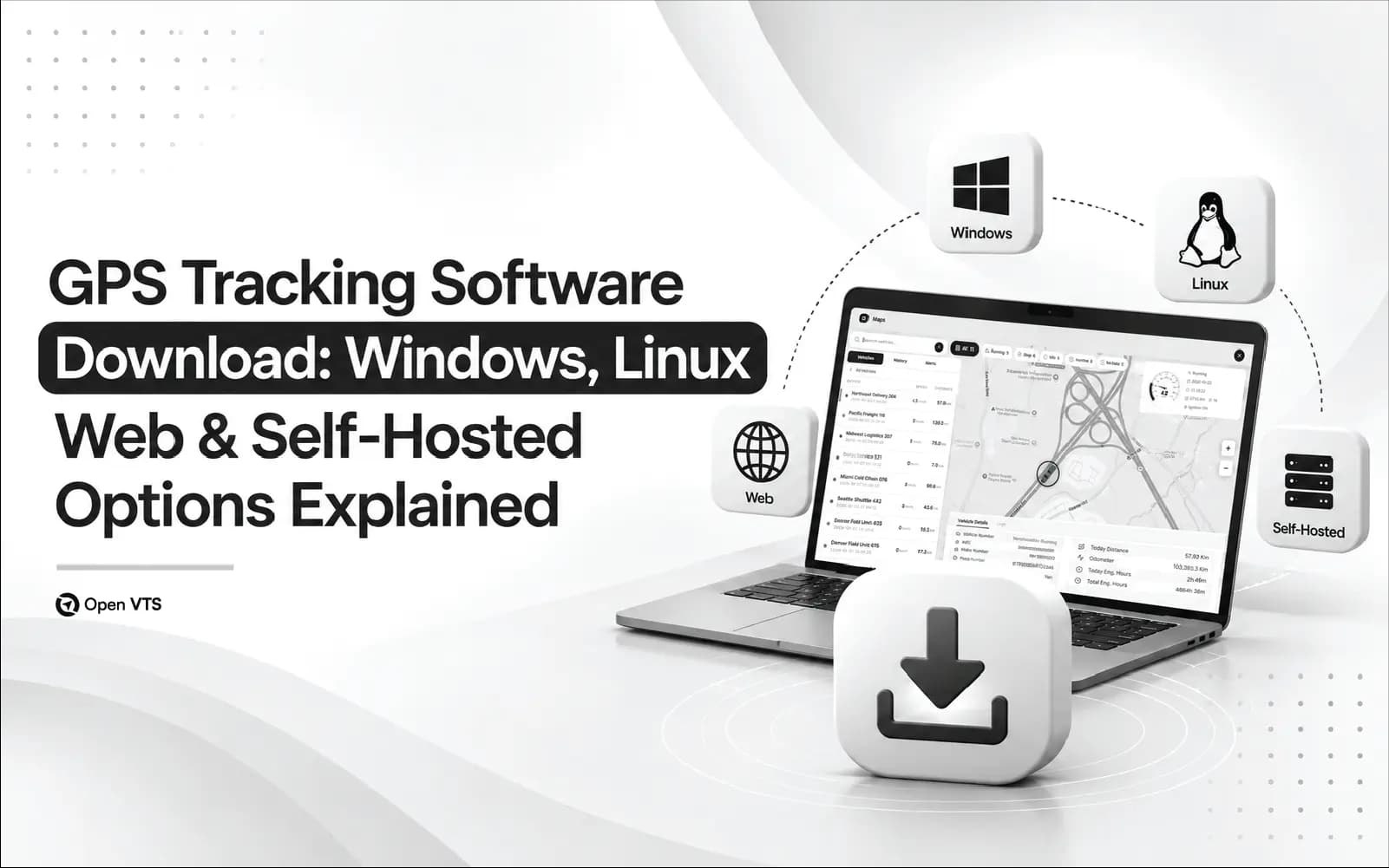
GPS tracking software can be deployed in four main ways: Windows server installation, Linux server installation, containerized deployment with Docker, or provider-hosted SaaS with no tracking server to install. The right option depends less on which computer your staff use and more on who should control and operate the tracking infrastructure.
Understanding that distinction prevents many poor deployment decisions.
First: What Are You Actually Downloading?
Modern GPS tracking platforms usually have several layers.
The tracking server receives data from GPS devices, processes telemetry, stores history and provides APIs and real time services. The web application is the interface fleet managers open in a browser. A mobile application may provide another interface for drivers or managers. These components do not have to run on the same device. Provider distributes Windows, Linux and Docker server packages, but after installation users access the application through a browser or mobile app. So when someone searches for “GPS tracking software for PC,” they may actually need a server installed somewhere else and only a browser on their PC. That is the first decision to make.
Option 1: Windows GPS Tracking Software
Windows can be a practical deployment choice for organizations already comfortable administering Microsoft environments. A typical Windows GPS server installation works like this:
GPS devices → internet → Windows Server → GPS tracking service → database → browser dashboard
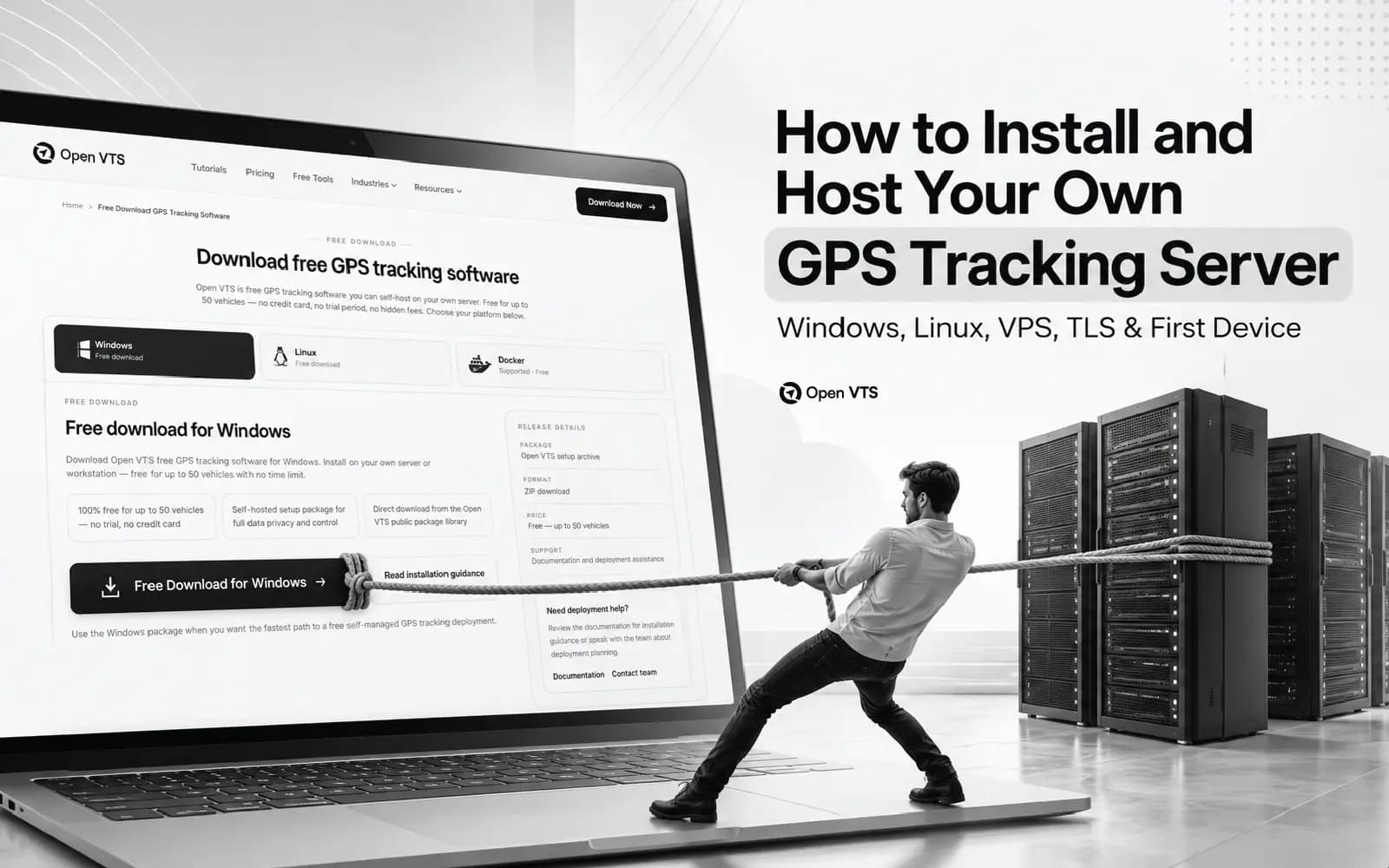
Read the complete documentation to create windows server.
Windows is a good fit when:
- your team already manages Windows Server;
- administrators prefer Remote Desktop and graphical management;
- the organization's monitoring and backup tools are Windows-centered;
- you want a straightforward self-hosted server without introducing Linux skills.
A normal Windows workstation can sometimes be useful for testing, but a production tracking platform should not depend on an employee's everyday PC remaining powered on and healthy.For production, treat GPS tracking as a server workload, not a desktop utility.
Option 2: Linux GPS Tracking Software
Linux is common for server applications because it is lightweight, widely available from cloud providers and well suited to service-based workloads. Traccar currently publishes both x64 and ARM Linux packages for systemd-based distributions. Its installation creates a service that runs independently of the administrator's terminal session. Open VTS currently provides a 64-bit Linux installation path through an installation script and an openvts command-line service interface for status, diagnostics, starting, stopping and logs.
The important point is:
Running the GPS server on Linux does not mean fleet managers need Linux computers.
The server may run Ubuntu or another supported distribution while dispatchers access the platform from Windows laptops, Macs, tablets or phones through a browser.Read the complete documentation to create Linux server and install GPS tracking software on Linux
Linux is a good fit when:
- your infrastructure team already works with Linux;
- the server will run in AWS, Azure, Google Cloud or another VPS environment;
- you want a lightweight server operating system;
- automation and command-line administration are normal for your team.
Option 3: Docker GPS Tracking Software
Docker adds another layer of packaging. It is not a replacement operating system in the same sense as Windows or Linux. Instead, containers package an application and its runtime dependencies into a repeatable deployment format. That can make installations more consistent across development, staging and production environments. Traccar provides official Docker images for AMD64 and ARM64 and recommends persistent volumes for data, logs and configuration. Its production guidance also recommends using a production-grade database rather than relying on the default embedded database. Docker becomes especially useful when a technical team already standardizes deployments around:
- Docker Compose;
- infrastructure automation;
- immutable/versioned application images;
- repeatable environments;
- container monitoring.
But Docker does not remove operational responsibility.
Someone still has to manage:
- the host server;
- database;
- persistent storage;
- networking;
- backups;
- security;
- updates.
Open VTS currently states that Docker deployment is supported, but its public copy-and-run Docker instructions are still being finalized. Until those public instructions are complete, Windows or Linux are the clearer public self-installation paths.
Option 4: Web or Online GPS Tracking Software
Sometimes the correct answer to “What should I download?” is:
Nothing.
With provider-hosted SaaS, the vendor operates the server infrastructure and users access the platform through a browser or mobile app. NIST defines SaaS as a model where customers use the provider's applications while the provider controls the underlying servers, storage, operating systems and infrastructure. This can be the simplest model for fleets that do not want to operate infrastructure.
The customer usually receives:
- login credentials;
- browser access;
- mobile applications where offered;
- vendor-managed upgrades and infrastructure.
But one distinction is critical:
Web-based does not automatically mean SaaS.
A self-hosted GPS platform can also have a browser interface. If you install Traccar or Open VTS on your own server and then open it in Chrome, it is still self-hosted software, even though the interface is web-based.
The question is not: “Does it run in a browser?”
It is: “Who operates the server behind the browser?”
Self-Hosted Does Not Mean “Server in My Office”
Another common misunderstanding is that self-hosting requires buying a physical server and keeping it inside your building. It does not. You can operate software on infrastructure rented from:
- AWS;
- Microsoft Azure;
- Google Cloud;
- DigitalOcean;
- another VPS or data-center provider.
NIST's definition of Infrastructure as a Service makes the responsibility boundary clear: the provider supplies computing infrastructure, while the customer controls the operating system, storage configuration and deployed applications. Navixy, for example, explicitly documents its on-premise/self-managed platform as deployable on either physical hardware or cloud infrastructure such as AWS, Azure and GCP.
Windows vs Linux vs Docker vs SaaS
Option
| Option | Who operates platform | Best for | Main responsibility |
|---|---|---|---|
| Windows Server | Customer | Windows-focused IT teams Server, backups, security, updates | |
| Linux Server | Customer | Cloud/server teams | Linux administration and platform operations |
| Docker | Customer | DevOps/container teams | Containers plus host/database/storage |
| Hosted SaaS | Vendor | Fleets wanting simplicity | Vendor relationship and subscription |
| Self-hosted cloud/VPS | Customer | Teams wanting control without physical servers | Cloud account + application operations |
There is no universal winner. The right option depends on whether your organization values operational delegation or infrastructure control more highly.
How to Download GPS Tracking Software Safely
A server installation deserves more care than downloading an ordinary desktop utility. Use a simple five-step rule.
1. Download from the official publisher
Avoid software mirrors unless the publisher explicitly authorizes them.
2. Confirm the exact platform and architecture
Check:
- Windows or Linux;
- x64 ;
- server requirements;
- current release version.
3. Verify integrity when the publisher provides verification material
Digital signatures and cryptographic hashes help prove that software has not been modified after publication. Microsoft's SignTool, for example, can verify Windows file signatures and identify the signer.
4. Read requirements and release notes before upgrading
A production GPS server may include databases, listeners, network ports and persistent data. An upgrade should never be treated like updating a consumer application.
5. Have a backup and rollback plan
Know how to restore:
- database;
- configuration;
- credentials;
- application version.
That matters more than whether the installer itself requires three clicks or thirty.
Here is the complete download and installation guide
Where Open VTS Fits
Open VTS is relevant when the buyer specifically wants a downloadable, self-hosted GPS platform. Its current public distribution supports Windows and Linux, while Docker deployment is supported with public instructions still being completed. The software is free for fleets of up to 50 vehicles under its current licensing model.
That makes it a reasonable option for:
- organizations wanting infrastructure control;
- GPS businesses operating their own platform;
- fleets wanting Windows or Linux deployment;
- teams that prefer self-hosting to recurring SaaS infrastructure dependence.
It is not automatically the best model for everyone.
If your company does not want to manage servers, backups, security or upgrades, a hosted SaaS platform may be the more appropriate choice.If your priority is a fully open-source GPS server, Traccar is particularly strong because its server is free and open source and is publicly distributed across Windows, Linux and Docker.
Choose the Deployment First, Then the Download
The phrase “GPS tracking software download” hides the real decision. You are choosing where the platform runs and who is responsible for keeping it running. Choose Windows when that matches your existing administration environment. Choose Linux when your team prefers server-oriented, cloud-friendly infrastructure. Choose Docker when containerized deployment already fits your engineering operations. Choose hosted SaaS when you want the provider to handle the platform infrastructure. Choose self-hosting whether on your own hardware or a cloud VPS when infrastructure, deployment and data control are part of your requirements. Only after deciding that should you ask:
Which file should I download?
For teams that choose the self-hosted route, Open VTS currently provides free Windows and Linux deployment options for up to 50 vehicles through its official download centre.