
Tech creators
Explain self-hosted GPS tracking through videos and tutorials.
Creator resources / Content library
Explore official Open VTS brand assets for tech creators, software reviewers, marketing teams and partners—from approved logos and fleet tracking product screenshots to brand guidelines, graphics and sales materials.
 Creator studio / Editorial photo
One reliable place to find approved Open VTS resources and build useful stories around the platform.
Explain self-hosted GPS tracking through videos and tutorials.
Use branded graphics to support relevant campaigns.
Prepare platform introductions and co-marketing material.
Build consistent presentations and marketing visuals.
Reference product images, facts and company information.
Start with the essentials
Official files listed in the Open VTS library, selected for creators, reviewers and marketing partners.
 Featured
Creative Graphics
A pack of 28 high-resolution Open VTS PNG campaign graphics for social, editorial, and approved partner or affiliate promotion.
 Featured
Logo Kits
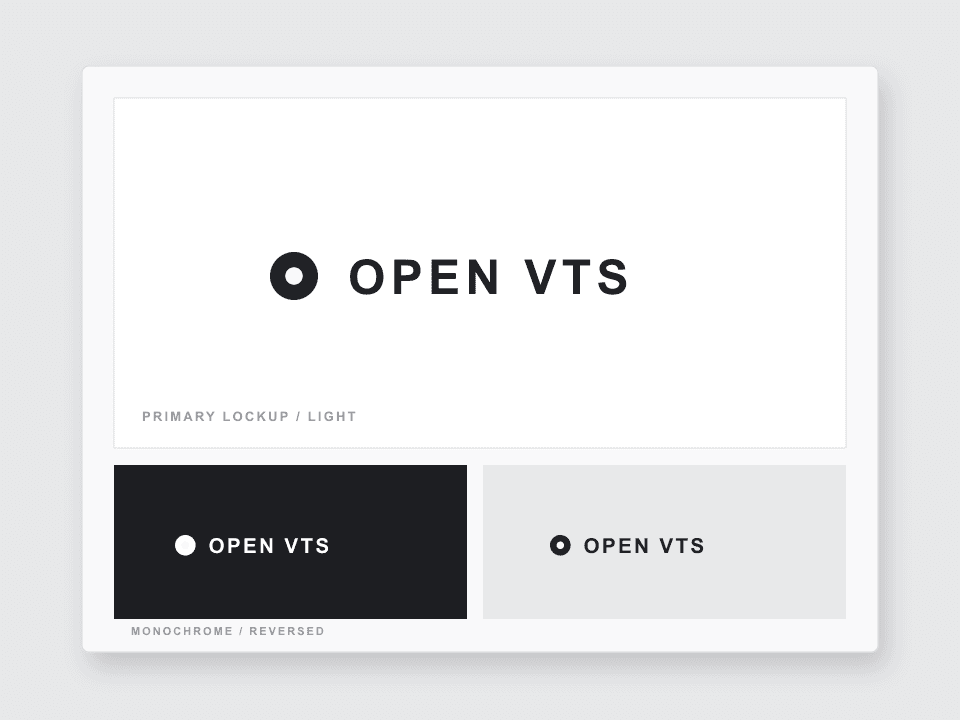
Official black and white Open VTS logo, icon, and wordmark variants in SVG, PNG, PDF, and EPS formats, with an AI source file.
 Featured
Brand Guidelines
Official brand guide for Open VTS name and logo usage, monochrome colors, Inter typography, layout, product screenshots, and export standards.
Official resources
Browse existing packs, choose a category, or search for specific files. Each card leads to its Open VTS resource page.
Showing all 10 asset packs
Official Open VTS brand audio for videos and presentations, including a WAV title track and an MP3 message tune.
A 52-page practical PDF guide to creating consistent Open VTS campaign graphics for digital and marketing use.
Portable Application Description (PAD 4.0) XML file for submitting Open VTS to software directories and download portals.

38 original Open VTS desktop and mobile screenshots covering live tracking, fleet operations, workflows, administration, and reports.
A pack of 28 high-resolution Open VTS PNG campaign graphics for social, editorial, and approved partner or affiliate promotion.
Official black and white Open VTS logo, icon, and wordmark variants in SVG, PNG, PDF, and EPS formats, with an AI source file.
Five official PDFs covering the product, self-hosted advantage, SaaS comparison, capabilities, and approved messaging.
Official brand guide for Open VTS name and logo usage, monochrome colors, Inter typography, layout, product screenshots, and export standards.
The official Open VTS company profile PDF, with source content, logo assets, and a preview for media and partner introductions.
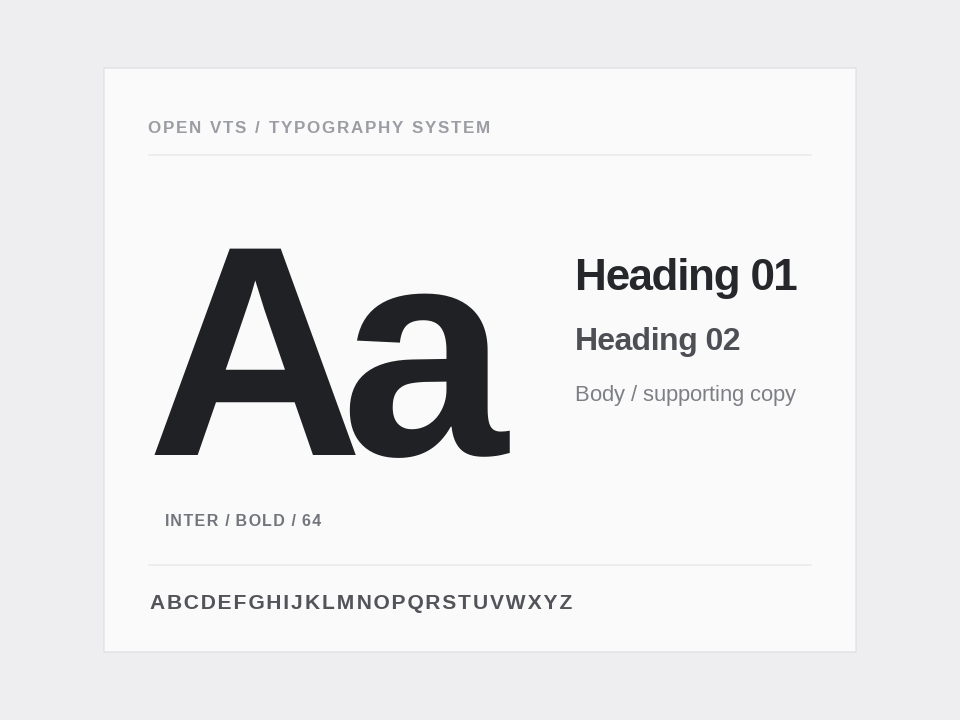
Open VTS typography standards, type scale, CSS tokens, accessibility guidance, and font-installation instructions for Inter and JetBrains Mono.
Preview artwork illustrates each resource category. Availability reflects each pack’s publishing status; review its detail page for files and usage notes.
What comes next
We are exploring additional ready-made formats for YouTube, social media and partner campaigns. These are concepts, not downloadable asset packs yet.
For creators and marketers
The Open VTS Content Library brings official brand material together so technology creators, fleet software reviewers, agencies and partners can explain the platform accurately and consistently. Use approved logos for identity, product screenshots to illustrate workflows, and company material for essential context.
Whether you are preparing a GPS tracking software guide, a product walkthrough, a fleet management article, or a comparison of self-hosted and cloud-based systems, strong content starts with trustworthy source material. Pair these assets with the technical documentation and API reference for current product details.
Respect the usage notes shown on individual packs. Keep the official logo unchanged and avoid presenting sample screenshots as real customer activity.
Common questions
These resources support editorial, educational, partner and affiliate content about Open VTS. Check each pack’s usage notes before publishing, especially for branded campaigns, and avoid implying an endorsement or partnership that has not been approved.
Use the approved variants in the Open VTS Logo Kit. Do not stretch, rotate, alter or recolor the mark outside the brand guidelines. Contact the Open VTS team for unusual placements or co-branded material.
The current library entries have download files, including the Open VTS Sound Track and Creative graphics creation guide. Check each detail page for the format, file size and usage notes.
Start with Product Screenshots for visual references, the Logo Kit for the approved brand mark, and the Company Profile for context. Check the documentation for current technical claims and setup details.
Yes. Contact Open VTS to discuss campaign assets and co-branded materials. The Partner Program is for businesses selling, deploying, integrating or reselling the platform; independent creators can explore the Affiliate Program.
Use the product documentation, Guides & E-books, API reference and Supported Devices pages for technical information. Check those sources before relying on an illustration or marketing graphic for product details.
Create with Open VTS
Looking for a particular format, approved image or partnership creative? Share your project with our team so we can point you to the right resources.